



CueWright
A creative brief should survive the jump into a generation tool.
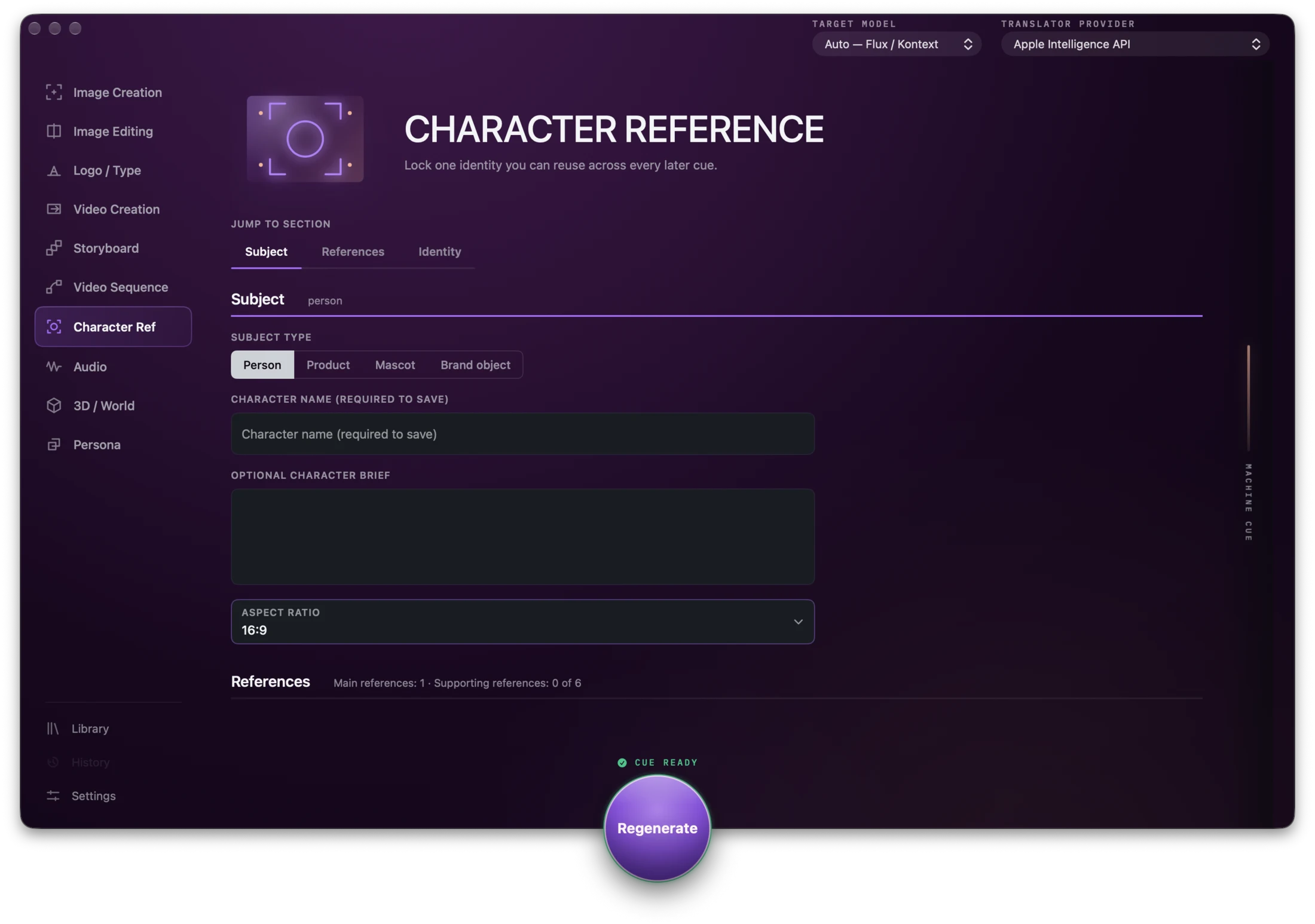
Working macOS app, used in Neil’s own creative-direction work. Not publicly released.
01 / Why it exists
Getting a predictable result from a generative tool takes more work than the idea suggests. A creative concept has to become prompts, camera direction, visual references and instructions that hold from one attempt to the next.
Neil found that translation frustrating in his own creative work. He explored it through earlier tools and concepts, including VidPrompt and Prompto, the name CueWright first carried. CueWright is where that work settled. It takes a plain-language brief, adds the structure that matters to the job and turns the result into a reusable cue for the chosen generation platform.
02 / Evidence in the work
The workflow keeps creative intent inspectable.
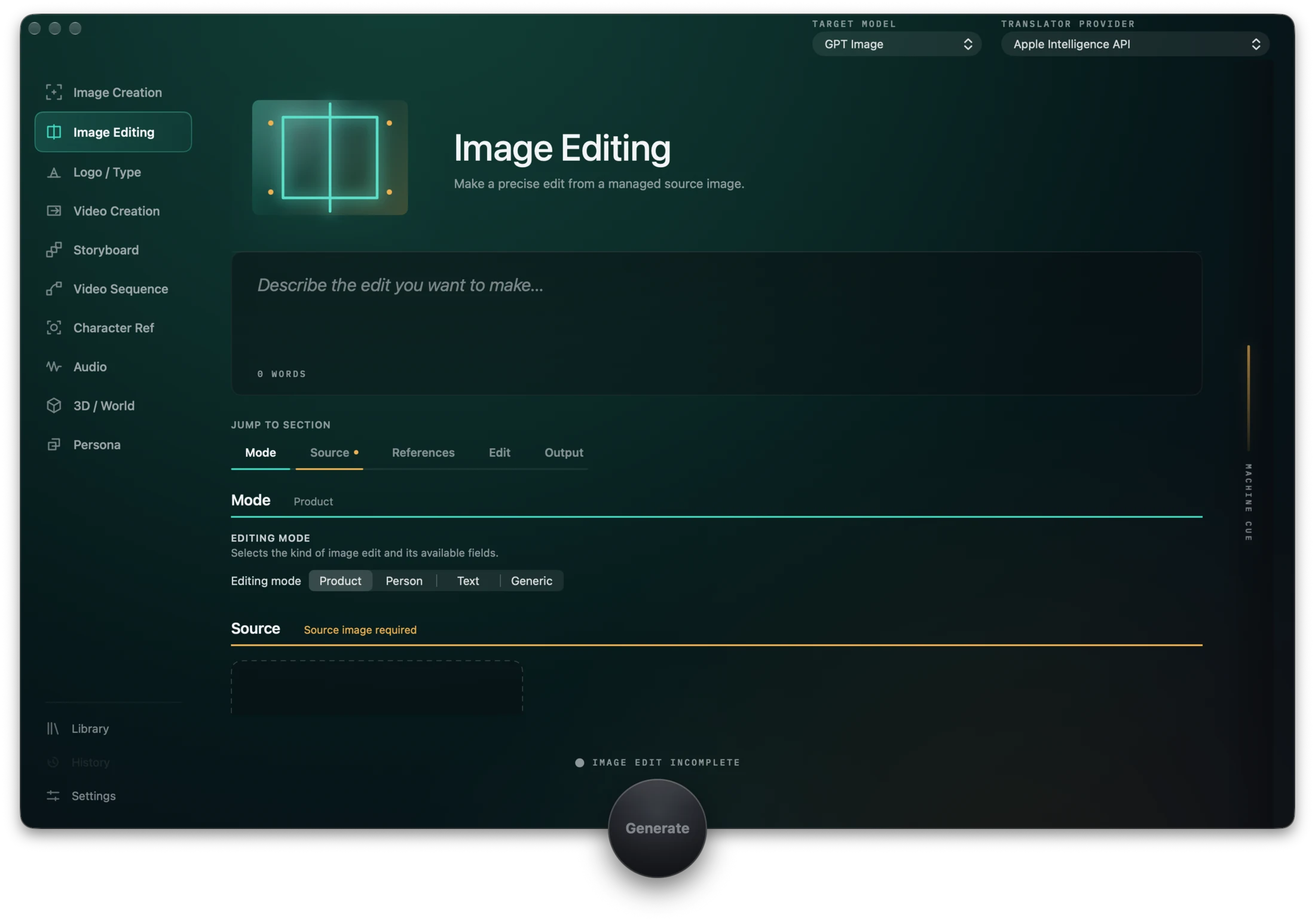
Screens and artefacts from the project itself. Each caption explains what it shows.
03 / The problem Neil was solving
The problem Neil was solving
Each platform has its own dialect. Camera direction that is useful in a video model can be noise in an image model. One target may support negative prompts, seeds or reference images while another does not.
Neil approached this as a product and information-design problem: reveal only the controls that apply, keep the final instruction inspectable and do not let tool-specific detail flatten the original creative direction.
04 / What he built
What he built
CueWright contains ten workflows spanning image creation and editing, logo and typography, video, storyboards, character references, audio, 3D, world generation and creative personas.
Behind them sit 50 dated target profiles, each recording what one generation platform accepts. When a target does not support a control, CueWright removes it rather than passing it through to be silently ignored. The cue only asks for what the tool can do.
05 / Decisions that shaped it
Decisions that shaped it
CueWright is local-first. It does not generate anything itself and never calls the platforms it writes for. The only thing it sends is the brief, to a translation model the user chooses, which can run on the Mac itself. Every workflow, field and preset works without a provider. Keys are kept in Keychain, and there is no account or telemetry service.
Neil defined the product, workflow model, creative vocabulary, target rules and safety boundaries. AI coding agents supported development, while Neil shaped and reviewed the product through project rules, direct use and 1,222 automated tests across 125 suites. Those tests matter in a tool whose value depends on 50 platform rules staying accurate.
06 / What this demonstrates
CueWright shows how Neil turns a broad creative frustration into a bounded product with typed inputs, platform-specific rules, local data handling and visible safety choices.
Next step