



VidStills
When an AI samples a video, the missing frame may be the one that matters.
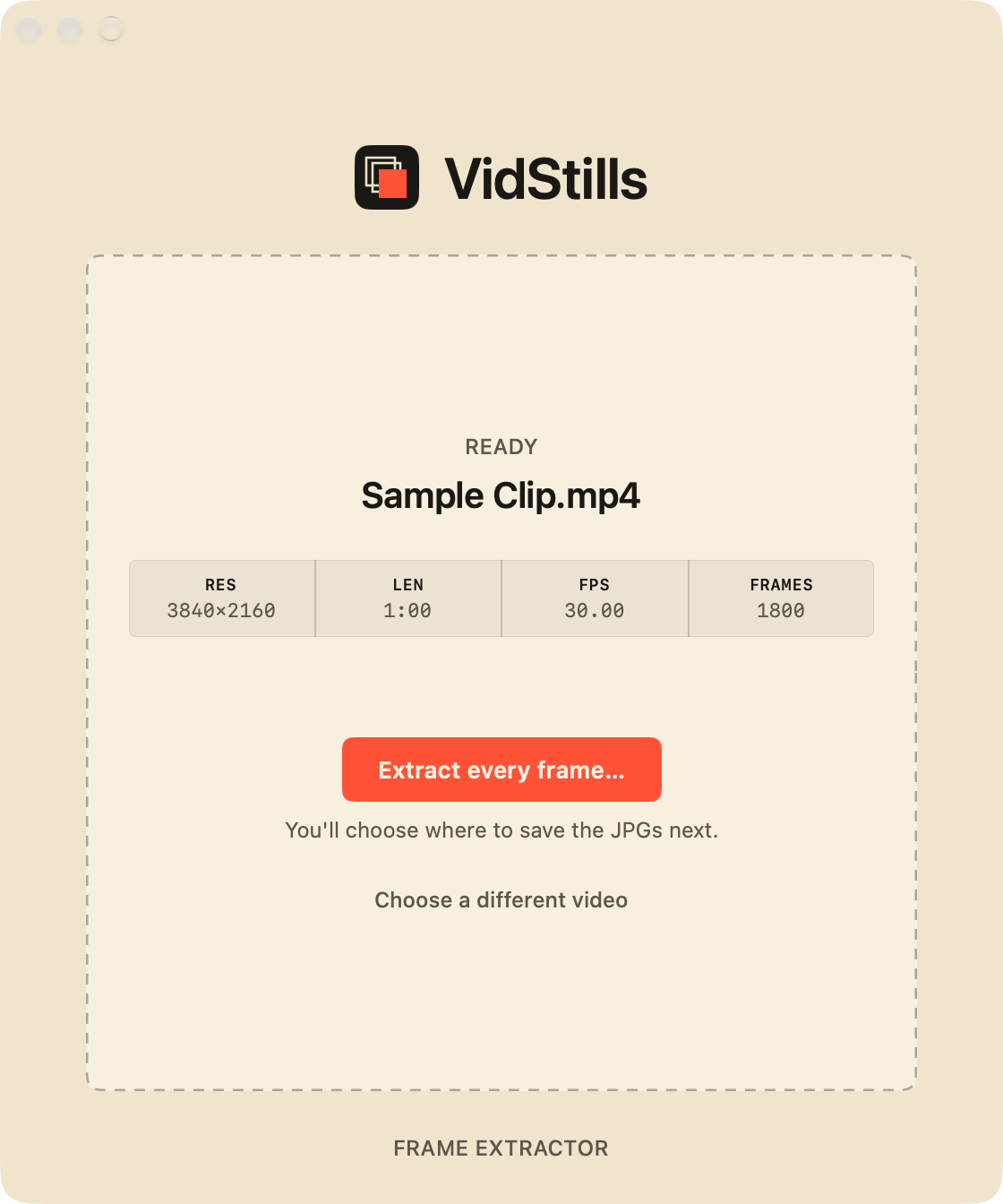
Free, open-source macOS app with a signed and notarised download. VidStills runs on macOS 14 or later on Apple Silicon and Intel, and its source is published under the MIT Licence.
Download VidStills or view the source on GitHub01 / Why it exists
Neil built VidStills after repeatedly running into a practical limitation in his own work. AI tools often handle video by selecting frames rather than examining every frame in the clip. That can miss a brief movement, transition or detail between the samples.
He wanted a dependable way to decide what the AI could see. VidStills turns the whole video into ordinary full-resolution images, one JPG for every frame. It is a small utility, but it removes a repeated step and has become one of the tools Neil uses regularly.
02 / Evidence in the work
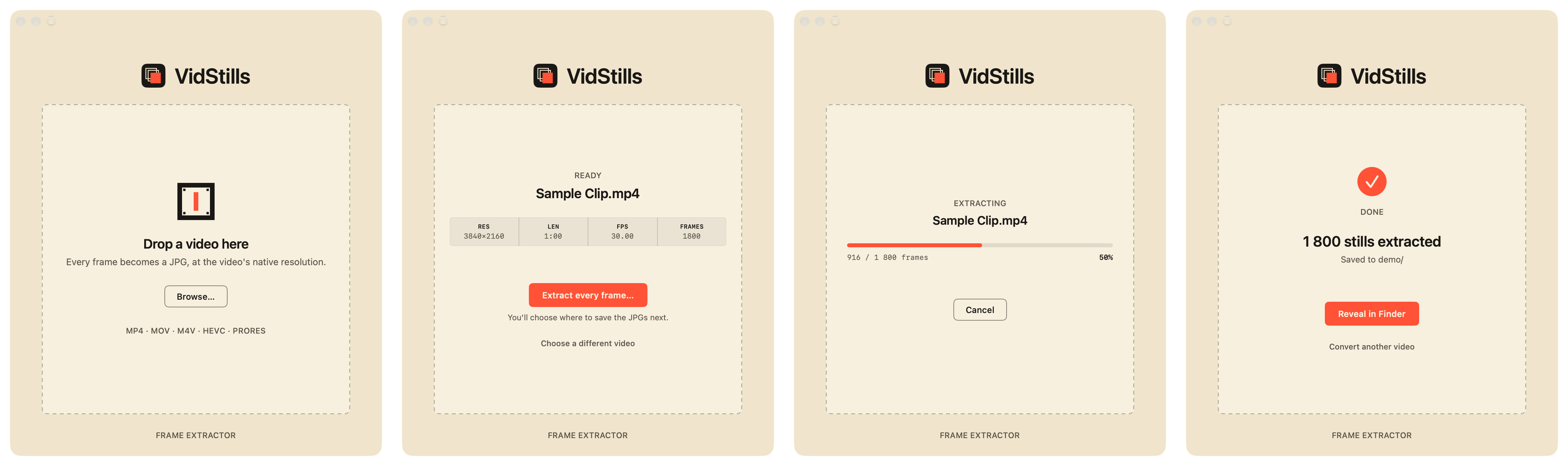
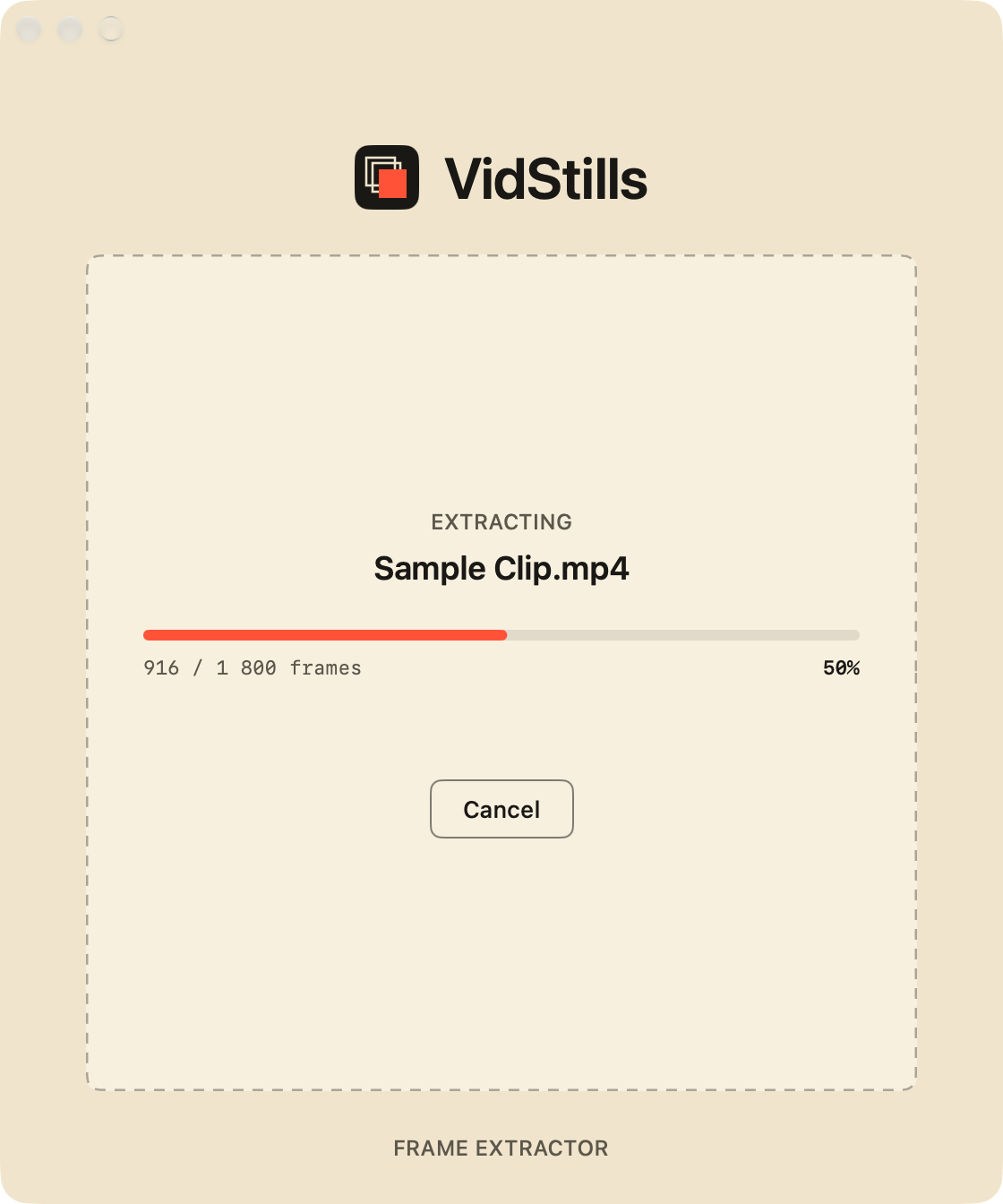
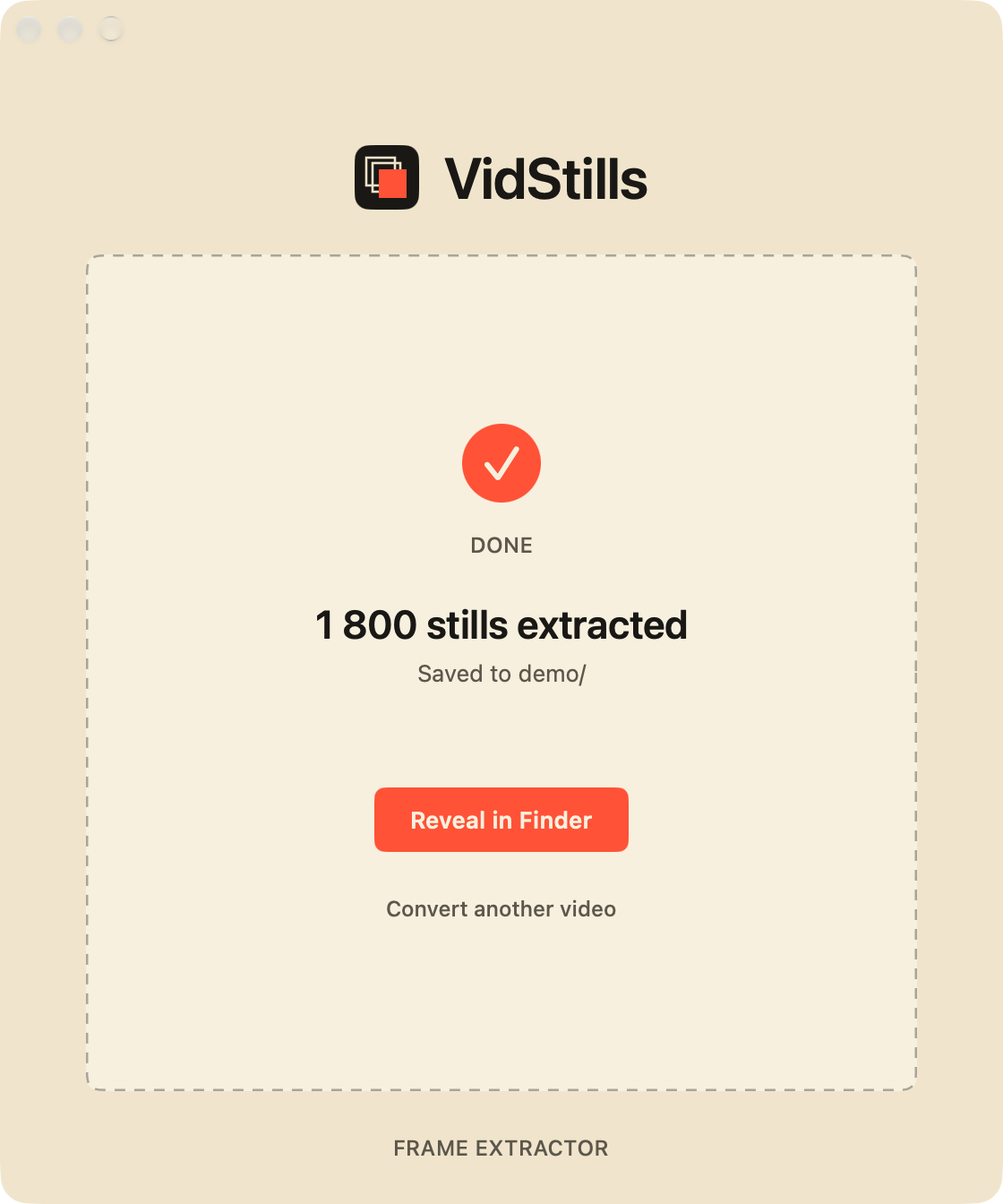
One small workflow, shown from input to finished frames.
Screens and artefacts from the project itself. Each caption explains what it shows.
03 / One job, kept clear
One job, kept clear
Drop in a video or choose one through the file browser. VidStills reads its resolution, duration and frame rate, estimates the frame count, then asks where the images should be saved. A progress view shows the current frame and allows the extraction to be cancelled. When it is finished, the folder can be opened directly in Finder.
There are no accounts, projects or settings to manage. The app does one narrowly defined job so it can be opened, used and closed without turning frame extraction into another production system.
04 / Every frame, in sequence
Every frame, in sequence
VidStills reads the video from beginning to end and saves each decoded frame at the source video’s native resolution. The files are numbered in sequence so they sort correctly and can be reviewed, selected or passed into another visual workflow.
That makes it useful beyond AI analysis. Neil can also use it to find a thumbnail, review motion frame by frame, pull references from footage or build a storyboard from an existing clip.
05 / Local by design
Local by design
The app uses Apple’s native media frameworks and has no third-party dependencies. It runs entirely on the Mac, with no network access, account, analytics or telemetry. The macOS sandbox limits it to the video and destination folder the person selects.
Portrait and rotated footage is turned upright automatically. Frames are saved as high-quality JPGs to keep the output practical when even a short video can contain thousands of images.
06 / Released for other people to use
Released for other people to use
VidStills is available free from GitHub as a signed and Apple-notarised Mac download. The SwiftUI source and Xcode project are also published under the MIT Licence for people who want to inspect, change or build it themselves.
The public release keeps the original scope intact: a small, useful tool built to remove one recurring obstacle rather than a larger app searching for more features.
07 / What this demonstrates
VidStills shows Neil identifying a small but persistent problem in his own AI and creative work, then designing, building and releasing a focused utility that removes it.
Next step